Online Store Development: Website, Telegram Bot or App?
Ecommerce website cost and the alternatives: a Telegram bot shop, a Mini App, an app or a marketplace. How payments, delivery, stock and the admin panel work.
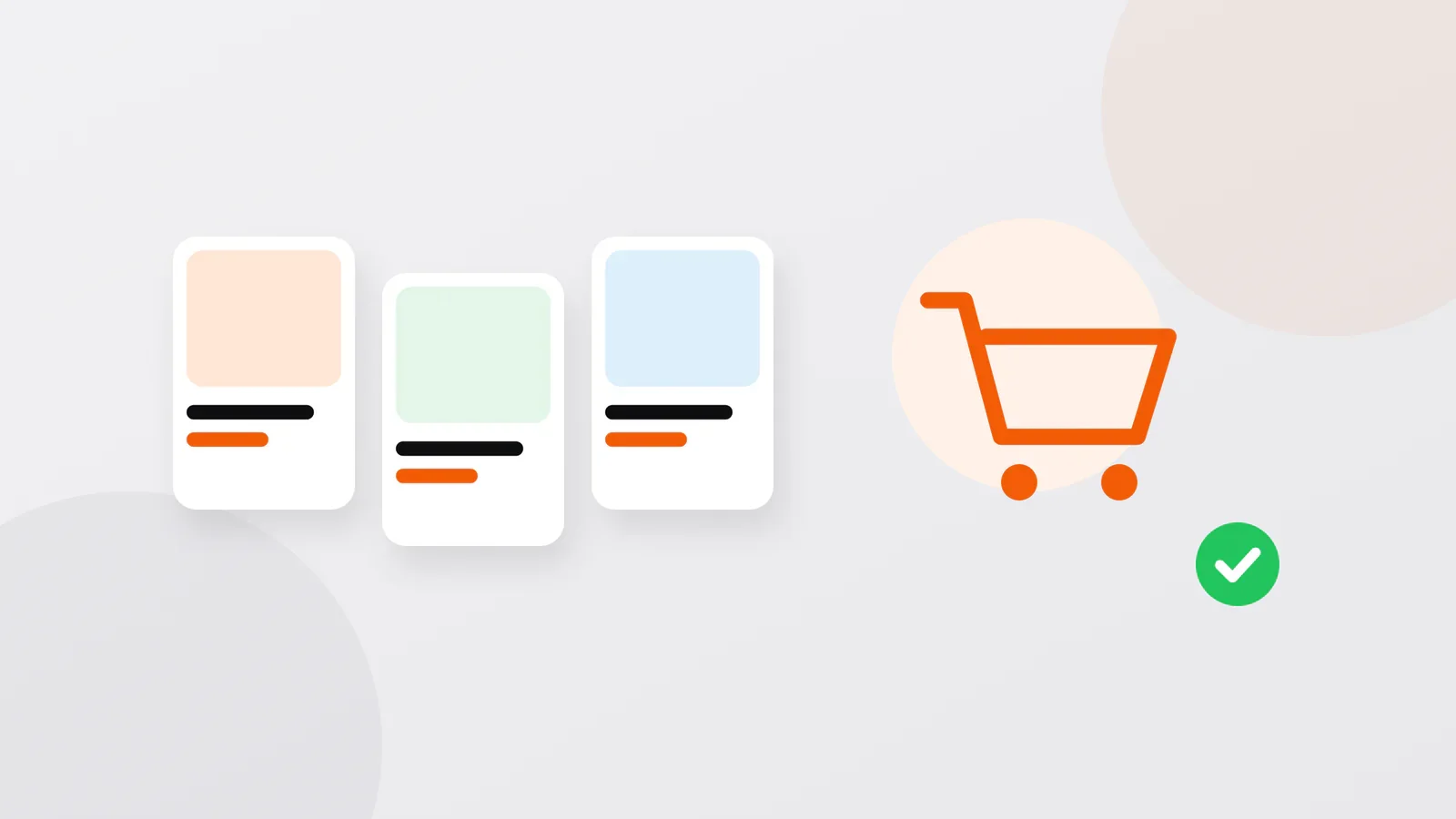
Short answer: an online store can live on a website (from $500 with a cart and payment), in a Telegram bot (from $200), in a Telegram Mini App (from $200) or in a mobile app (from $300 per platform), or you can skip development and sell on a marketplace. Whatever you choose, the store needs the same parts: a catalog, checkout, payment, delivery, stock, an admin panel and notifications. Start with the format your buyers already use, and keep the data on one server, so the other formats can be added later.
This guide is about the store itself: how each format handles those parts and what to decide for each. Which channel suits your business in general is covered in where to start selling online.
What every store needs
- A catalog: categories, photos, descriptions and prices, plus search and filters when the range is wide.
- A cart and checkout: quantities, the total, the buyer's name and phone.
- Payment: online by card through a payment provider, or on delivery.
- Delivery: an exact address, your delivery zones and their prices.
- Stock: what is available, so nobody orders what you no longer have.
- An admin panel: the private part where you manage products, prices and orders.
- Notifications: to your managers about new orders, to buyers about the status of theirs.
- A customer base: order history, repeat orders, contacts for future offers.
The format changes how these parts look, not whether you need them.
How each format handles the store
| Website store | Telegram bot shop | Telegram Mini App | Mobile app | |
|---|---|---|---|---|
| Catalog | Pages with search and filters that can be found in Google | Messages with photos and buttons; best for a short range | Store screens with photos, search and filters, inside Telegram | Screens with search, filters and favorites |
| Checkout | A cart and an order form | A cart in the chat; the phone number is shared with one tap | A cart and a form, without leaving Telegram | A cart with a saved account and addresses |
| Address | Typed in a form or picked on a map | The buyer shares a location from the chat | Typed in a form or picked on a map | Saved addresses or a map |
| Payment | The payment provider's form | An invoice in the chat or a link to the provider's page | Inside the Mini App, through a provider | Through a payment provider, not the stores' in-app purchases, which are for digital goods |
| Reaching buyers again | Only if they left contacts | Messages to everyone who started the bot | Through its bot | Push notifications on the phone's screen |
| From | $500 | $200 | $200 | $300 per platform |
A Telegram bot is a chat account run by a program: the buyer taps buttons, and the bot replies with products, a cart and an order form. A Mini App is a web page that opens inside Telegram and looks like an app. Where Telegram is the main messenger, as in Uzbekistan, both reach buyers without asking them to install anything. A website is the format people can find through search; an app pays off for buyers who order often enough to keep it on their phone.
A website store: Primefoods.uz
Primefoods.uz sells to private buyers and to companies, and that shaped the whole store:
- Two ways to sign up. Private buyers use a quick form; companies register with their company details, so they get special wholesale terms and correctly issued documents.
- Smart filters. Products are found by characteristics, brand and price, with clear navigation by category.
- Cart and account. The cart calculates the full cost; in their account customers see their order history, repeat a past order in one click and follow the status of the current one.
- Admin panel. The owners manage the catalog and prices, process orders as they come in, and see analytics and the customer base.
This is the kind of store that belongs on a website: a chat is too narrow for company details, documents and long order histories.
A store in a bot: Meatline Tashkent
The Meatline Tashkent shop is a classic Telegram bot: a catalog by category with photos, ingredients and prices, a cart, contacts collected automatically, and the address taken from the buyer's shared location instead of a typed description. One store lesson from it: the bot also built a customer base, because every order is saved for analytics and later mailings. Why a chat bot was chosen over a Mini App, and how orders reach the managers, is told in Telegram bot for business.
Payments
Online payment goes through a payment provider, also called a payment gateway: a company that accepts the buyer's card payment and transfers the money to your bank account, minus its fee. In Uzbekistan, for example, I connect Payme, Click and Uzum Bank; elsewhere it is a local provider or an international one such as Stripe or PayPal, where they operate. In a Mini App the buyer can pay without leaving Telegram: in the Ahostel.uz Mini App, guests choose a room and pay right in the chat.
Payment on delivery is a fair way to start, and online payment can be added later. Before launch, decide what happens when an item runs out after it has been paid for: a refund, a replacement or a call from a manager, with an order status for each. How payments work, what the provider asks of your business and what it costs: how to accept online payments.
Delivery and stock
For delivery, the store needs your delivery zones and their prices, any minimum order or time slots you offer, and above all an exact address. That is why the Meatline bot asks for a location: the Yandex Maps API turns it into a street and house number for the courier.
If you already keep stock in an accounting system such as 1C, the store should read products, prices and stock from it, not from a second list updated by hand. I connect stores to 1C, CRMs and delivery services through their APIs, the interfaces systems use to exchange data. What is possible depends on the system, so name yours at the start.
Marketplaces: an alternative, not a rival
A marketplace (in Uzbekistan, for example, Uzum Market) needs no development: you list your products, and the platform brings buyers, takes payment and can handle storage and delivery. In return you pay its commission, follow its rules and compete with other sellers on the same page, and contact with the buyer stays mostly with the platform.
The two can work together: the marketplace for new buyers, your own store or bot for those who come back. I also build tools for marketplace sellers: my Uzum timeslot bot books supply time slots at Uzum Market warehouses.
What it costs to start
The starting prices are in the table above. For a store, the price grows with the size of the catalog and its filters, importing products from a price list or an accounting system, wholesale logic such as company accounts with their own terms, each payment and delivery integration, languages and notifications. Running costs are hosting, the domain and the payment provider's fee, or the marketplace's commission. All prices side by side: what a website, bot or app costs.
Questions about online stores
Can I start with a Telegram bot and add a website later?
Yes, if the bot keeps its products, orders and customers on your server: a website or a Mini App can then use the same data and the same admin panel.
Is a bot shop enough for a large catalog?
A bot has no fixed limit on products, but a long catalog is tiring to scroll through in a chat. For a wide range that needs filters, a Mini App or a website works better, and both can sit alongside the same bot.
What should I prepare before ordering a store?
A product list in a spreadsheet (names, descriptions, prices, categories) and good photos; your delivery zones, prices and times; how buyers will pay and which payment provider you will use; and who will process orders, and where: in a Telegram group, an admin panel or your accounting system.
Discuss your project
Tell me what you sell, to whom and how you take orders now. Write to me on Telegram, WhatsApp or by e-mail, and I will reply with questions and an estimate. You can write in your own language; calls are possible in Uzbek, Russian, Turkish or English.
Sanjar Jabborov — fullstack developer, Tashkent. Updated on 13 November 2026.