What Is a CRM, and Does a Small Business Need One?
What a CRM is in plain words and when a small business needs one: clients, deals, history and tasks in one place, with examples and when a spreadsheet will do.
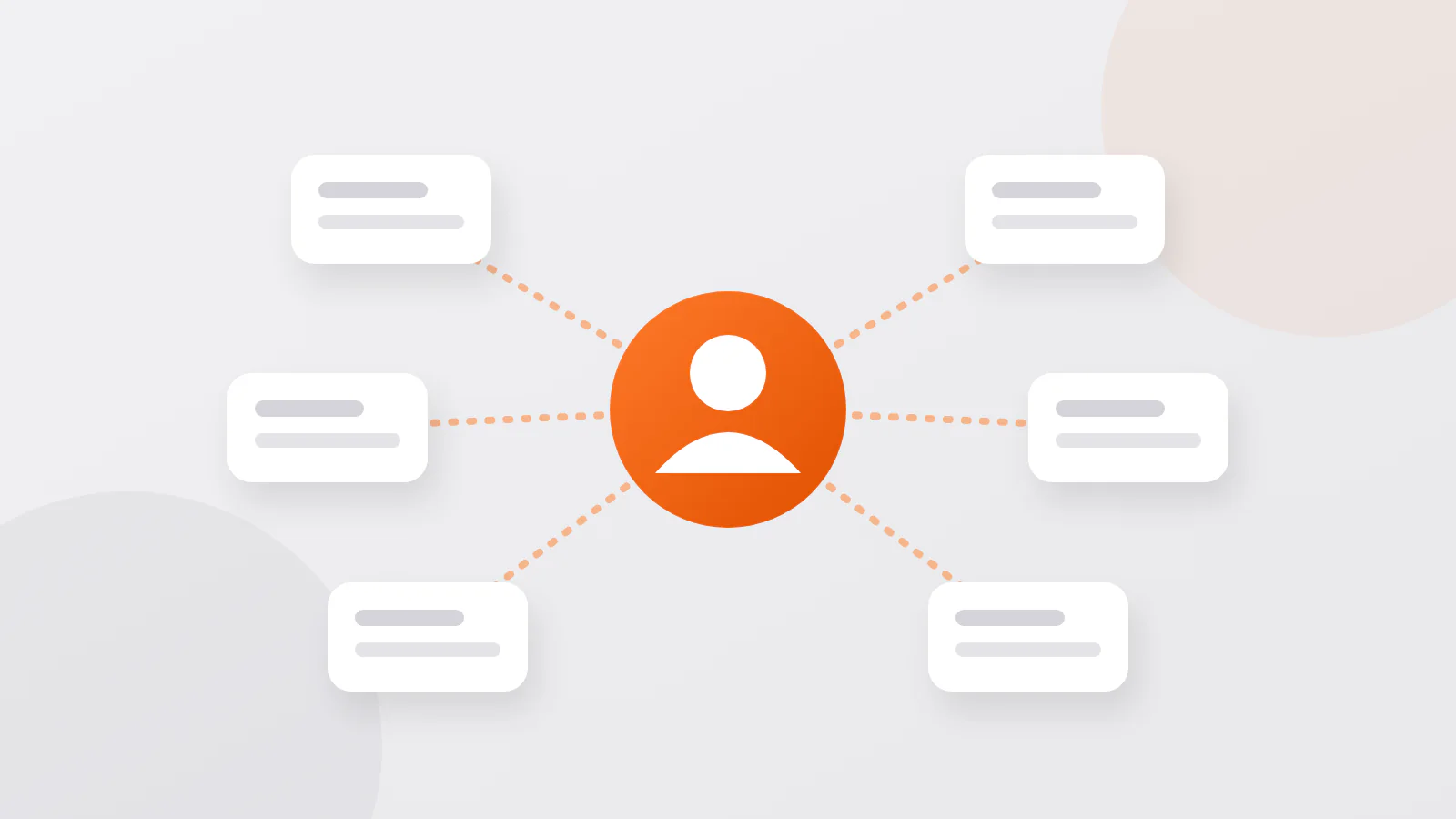
A CRM (customer relationship management system) is one shared place where a business keeps its clients: how to reach them, what they bought or asked for, what was promised and who does what next. For a small business it replaces notebooks, Telegram chats and the owner's memory. You need one when more than one person talks to clients or when follow-ups start to get lost; until then a well-kept spreadsheet is enough.
What a CRM keeps around each client
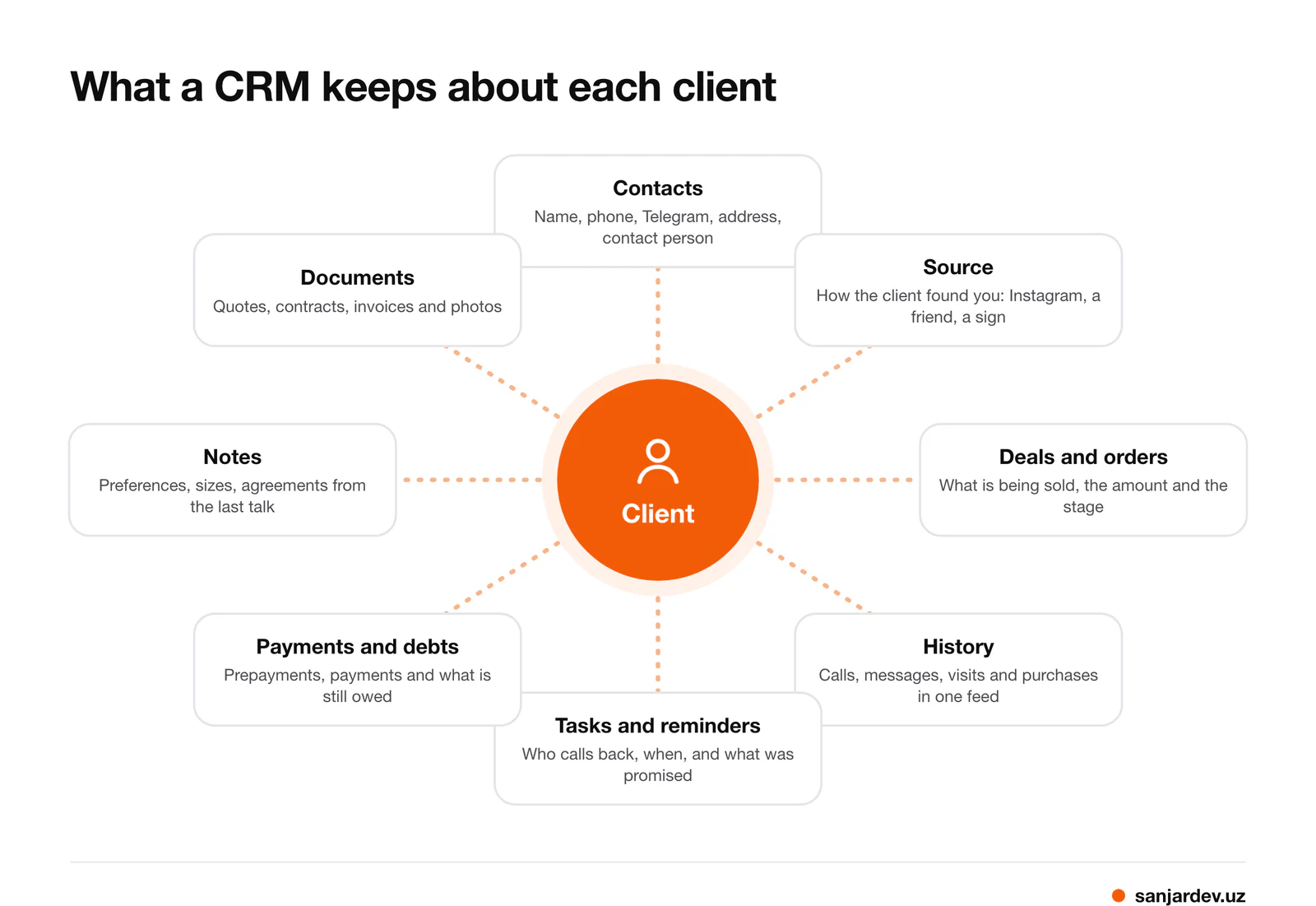
The heart of a CRM is the client card. Around it sit:
- Contacts: name, phone, Telegram, address, and the contact person if the client is a company.
- Source: how the client found you, so you can see which advertising brings people in.
- Deals or orders: what is being sold, for how much, and at which stage it is.
- History: calls, messages, visits and past purchases in one feed, so anyone can pick up the conversation.
- Tasks and reminders: who calls back and when, and what was promised.
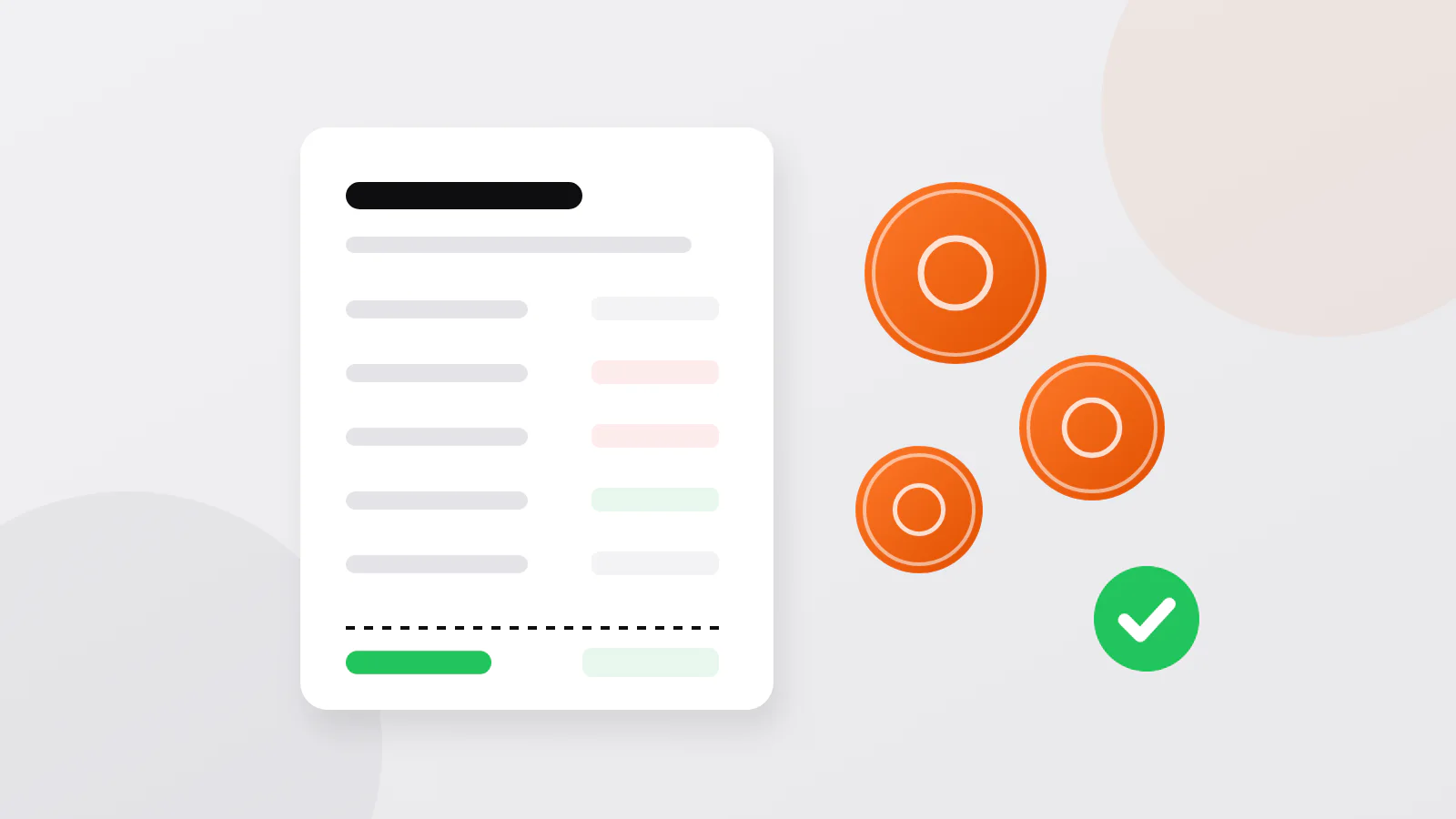
- Payments and debts: prepayments, payments, and what the client still owes.
- Notes and documents: preferences, agreements, quotes, contracts and photos.
A CRM is more than a client list. The list says who your clients are; the CRM also says what happens next with each of them, and who is responsible for it.
Three examples
| Business | What the CRM tracks | The question it answers |
|---|---|---|
| Shop | regular customers, what they buy, purchases on credit, who wants a call when new goods arrive | Who owes us money, and whom do we call about the new delivery? |
| Beauty salon | clients, visits, the master, services, the next appointment | Who has not been back for two months, and who is booked tomorrow? |
| Service company, for example repairs or installation | requests from Instagram and Telegram, quotes, job stages, visits, payments | Which requests have no reply yet, and which finished jobs are not paid? |
In all three the gain is the same: information stops living in one person's phone. When a seller leaves or a master is ill, the clients' history stays with the business.
When a spreadsheet is enough
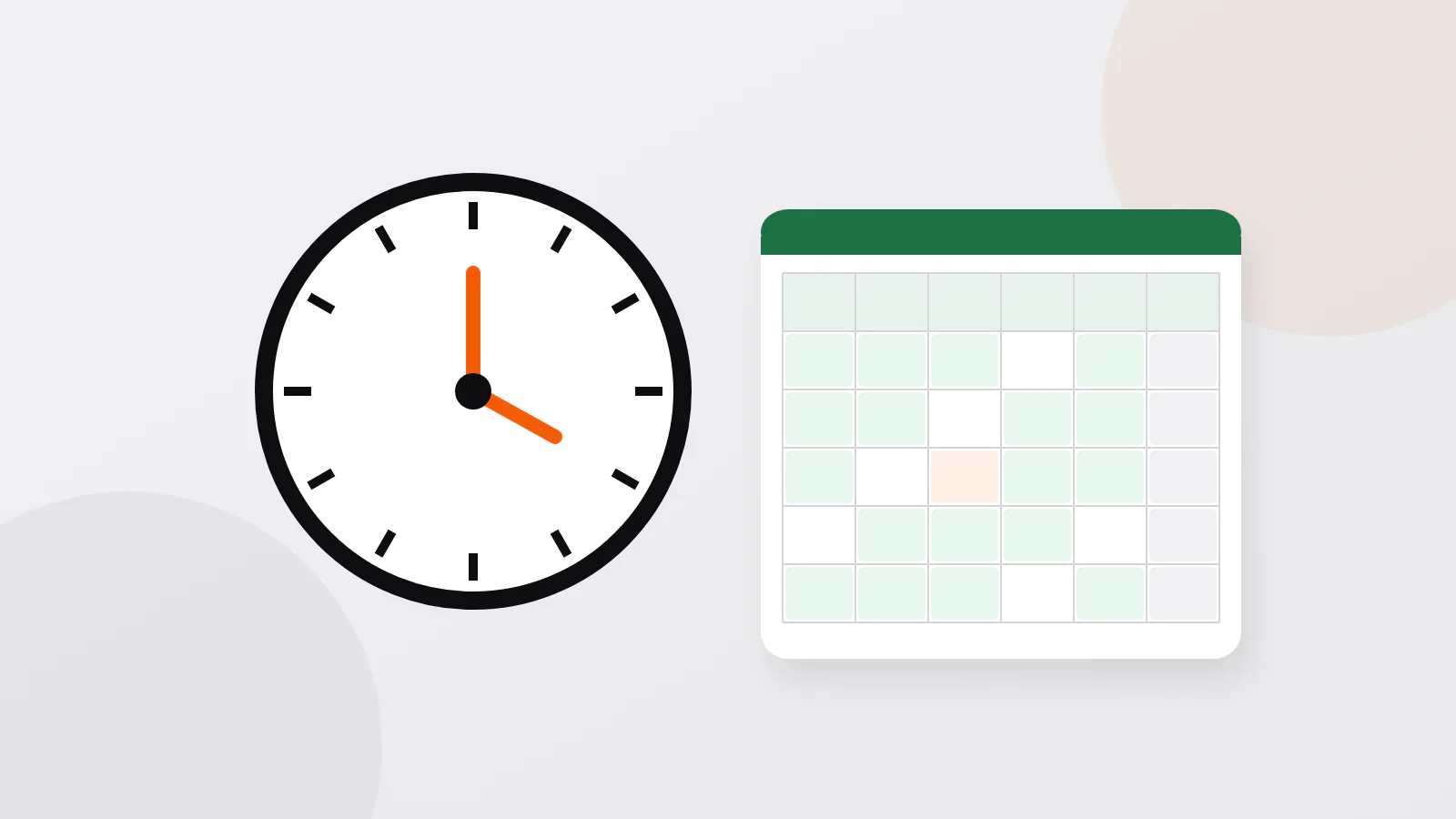
A spreadsheet works while one or two people handle clients and all open deals fit on one screen. These columns cover most needs: client, phone, source, last contact, next step, date of the next step, status, amount and a note. Sort by "date of the next step" every morning and do what is due.
You have outgrown the spreadsheet when:
- two people edit the file and overwrite each other's changes;
- you cannot see a client's history without searching through chats;
- reminders depend on someone remembering to open the file;
- you ask "how many requests did we get last month, and how many became sales?" and nobody can answer quickly.
Payments are a common trigger too. When clients pay in parts, by card, cash and Click or Payme, the client sheet and the cash book start to disagree unless one system keeps both.
Ready-made or custom
| Ready-made CRM | Custom CRM | |
|---|---|---|
| How you pay | a subscription, often per user per month | development first, then support |
| Start | within a day | after the task is described, designed and built |
| Fit | you adapt your process to the program | the program follows your process |
| Connections | the ones the vendor offers | the ones you need: Telegram bot, payments, telephony, accounting |
| Data | on the vendor's servers | where you decide |
| Best for | ordinary sales and service | unusual processes, several linked businesses, high volume |
Start with a ready-made CRM if your process is ordinary and you want to try the idea quickly, ideally on a trial before you pay. A custom system makes sense when you have tried ready-made ones and keep working around them, or when the CRM has to talk to your own Telegram bot, payments or warehouse. To get a sense of development prices, see how much custom development costs, and before you ask anyone for a quote, write a short brief: it makes the estimate far more accurate.
How to choose: eight questions
- Who will use it, and on what: phone, computer or both?
- Which three things must it do from the first day?
- Does it work in Uzbek and Russian, for your staff and in messages to clients?
- Can requests from Telegram and Instagram arrive in it, or will someone copy them by hand?
- Can you export all your data to Excel and leave whenever you want?
- Where are the data stored, and does that meet the law (next section)?
- What will it cost for your number of users after the trial ends?
- Who helps when something breaks, and in which language?
Client data and the law in Uzbekistan
A client's name and phone number are personal data under the Law on Personal Data (ZRU-547). A few rules matter for any CRM:
- A legal basis. You may process the data with the client's consent, given in any form you can later prove, or when they are needed to fulfil a contract with the client, such as a delivery (Art. 18 and 21).
- One purpose. Use the data for the purpose you collected them for. A new purpose, such as advertising messages, needs new consent (Art. 19).
- No passing on. Do not give clients' data to third parties without their consent (Art. 28).
- Where the data live. Since 27 March 2026 the law requires only biometric data, genetic data and data of telecom users to be stored in Uzbekistan. Other personal data may be kept abroad if one of the conditions of Art. 27-1 is met: a country recognised as protecting data adequately, approved contract terms or corporate rules, or compliance with listed international standards. Ask a foreign CRM provider which condition it meets, and check with a lawyer.
When to build your own
If no ready-made program fits, a CRM can be built around your process. Sanjar Jabborov, who writes this blog, builds CRM and ERP systems and their connections to Telegram, SMS and payments through Payme, Click or Uzum Bank, working directly with the client, without an agency. The price of a CRM is set individually, once the task is clear. Write on Telegram, WhatsApp or by e-mail and describe what your team does with clients today.
FAQ
What is a CRM in simple words?
A shared notebook of your clients that also reminds you what to do: who they are, what they bought, what you agreed, and who calls them next and when.
Is there a free CRM for small business?
Some ready-made CRMs offer a free plan or a trial with limits on users or features, and a spreadsheet costs nothing. Before you commit, check what the plan includes after the trial and whether you can export your data.
Can I use Excel as a CRM?
Yes, while one or two people handle clients. Use one row per client with the next step and its date, and sort by that date every morning. Move on when several people need to work in it at once.
How much does a CRM cost?
A ready-made CRM is usually a monthly subscription, often per user, so compare the price for your team size after any trial. A custom CRM is priced individually, once the task is clear.
How MyBizz helps
MyBizz (App Store, Google Play), the business app we develop, is a business management app with a client base rather than a dedicated sales CRM. Each client card holds contacts, notes, purchases, orders and debt, and orders carry a prepayment, a status and tasks inside them. Because the same app keeps sales, the cash book, installment contracts and tasks for employees, client payments and debts update by themselves. If you need a sales pipeline with your own stages and integrations, a dedicated or custom CRM fits better. The app is free to download and free during the trial period; after that a company needs a paid plan, priced by the number of employees.
Sources
- Law ZRU-547 on personal data, Art. 18–21, 27-1, 28 (in Russian) — lex.uz, 2019, amended 2026
- Law ZRU-1125 amending the Law on personal data (in Russian) — lex.uz, 2026
- Law ZRU-547 on personal data (in Uzbek, official text) — lex.uz, 2019, amended 2026
Written by Sanjar Jabborov, developer of MyBizz. Checked against the Law on Personal Data of Uzbekistan (lex.uz). Updated on 14 November 2026. The legal part is general information, not legal advice.